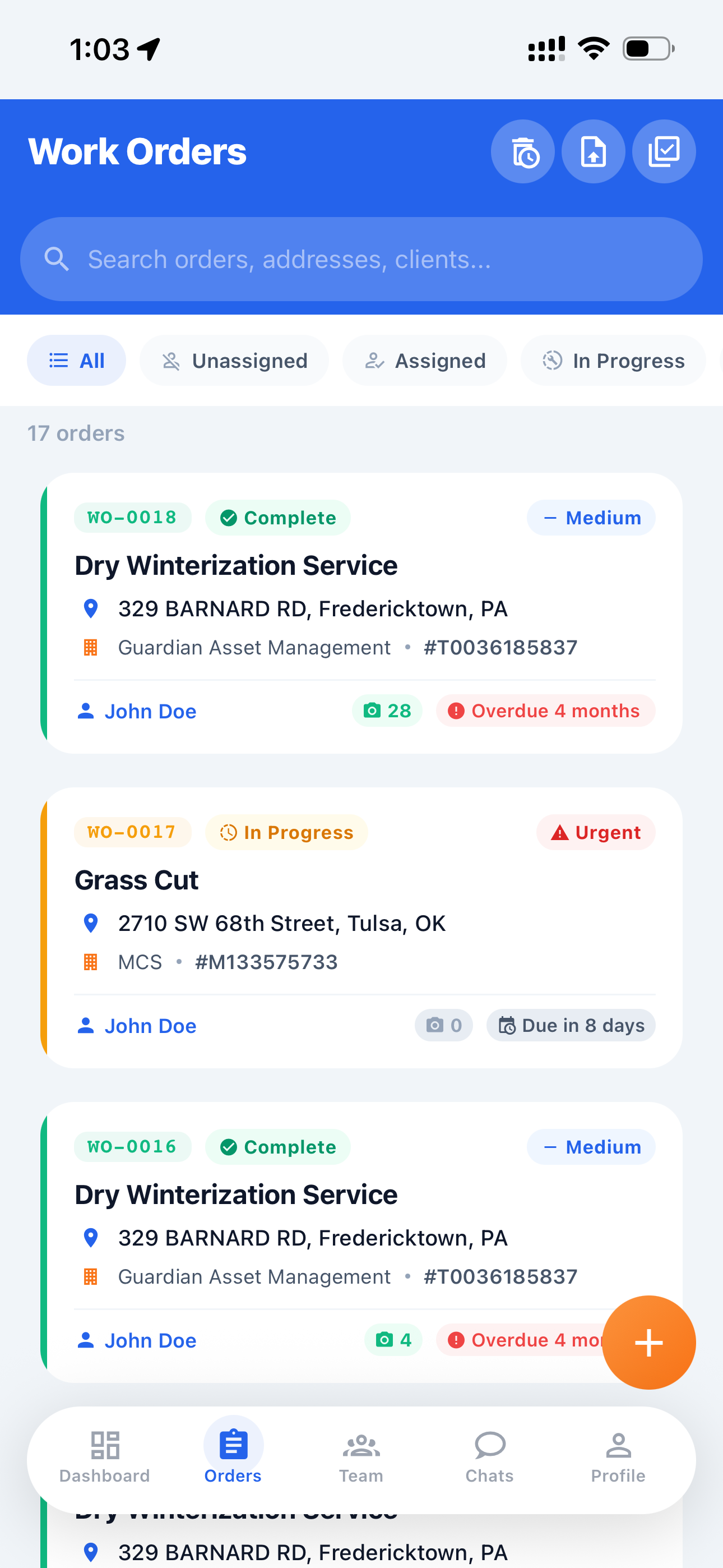
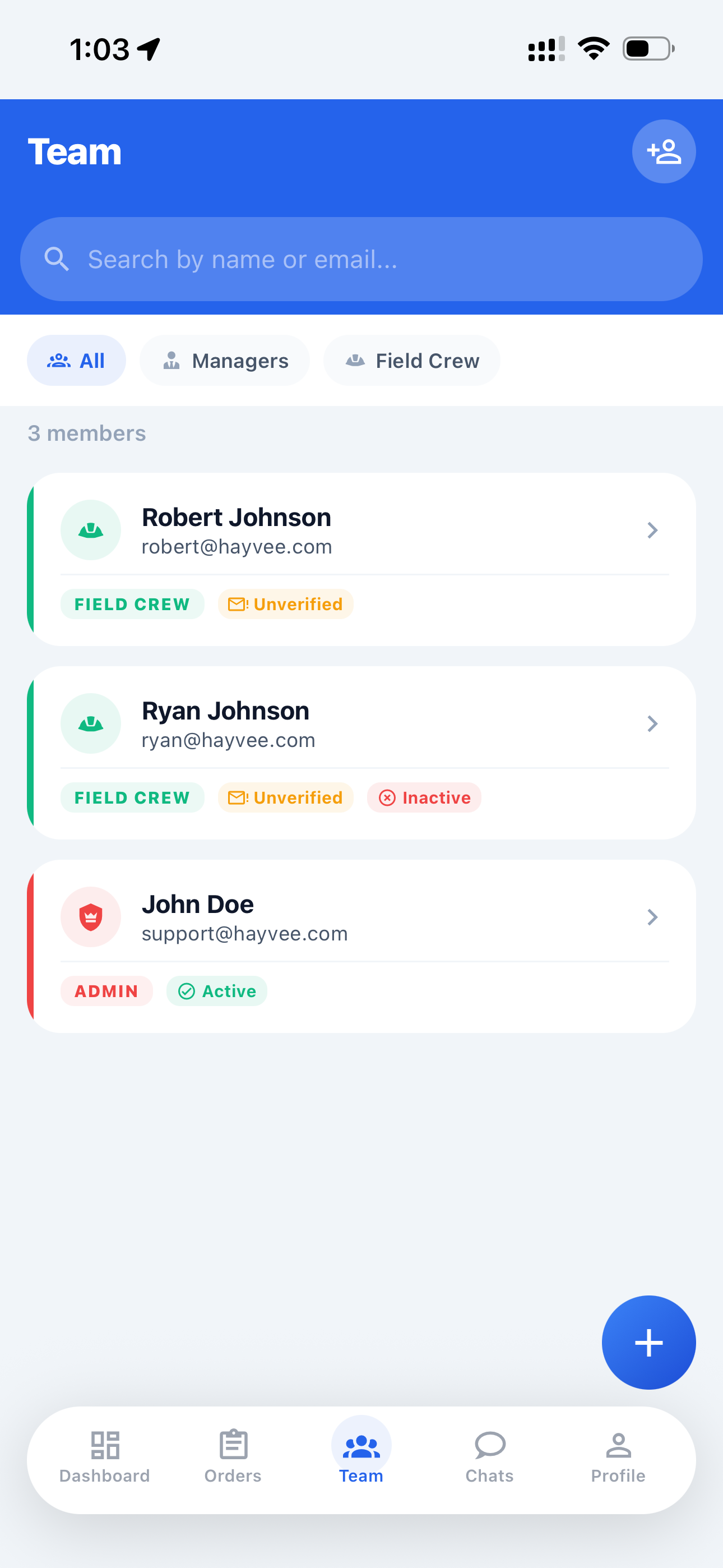
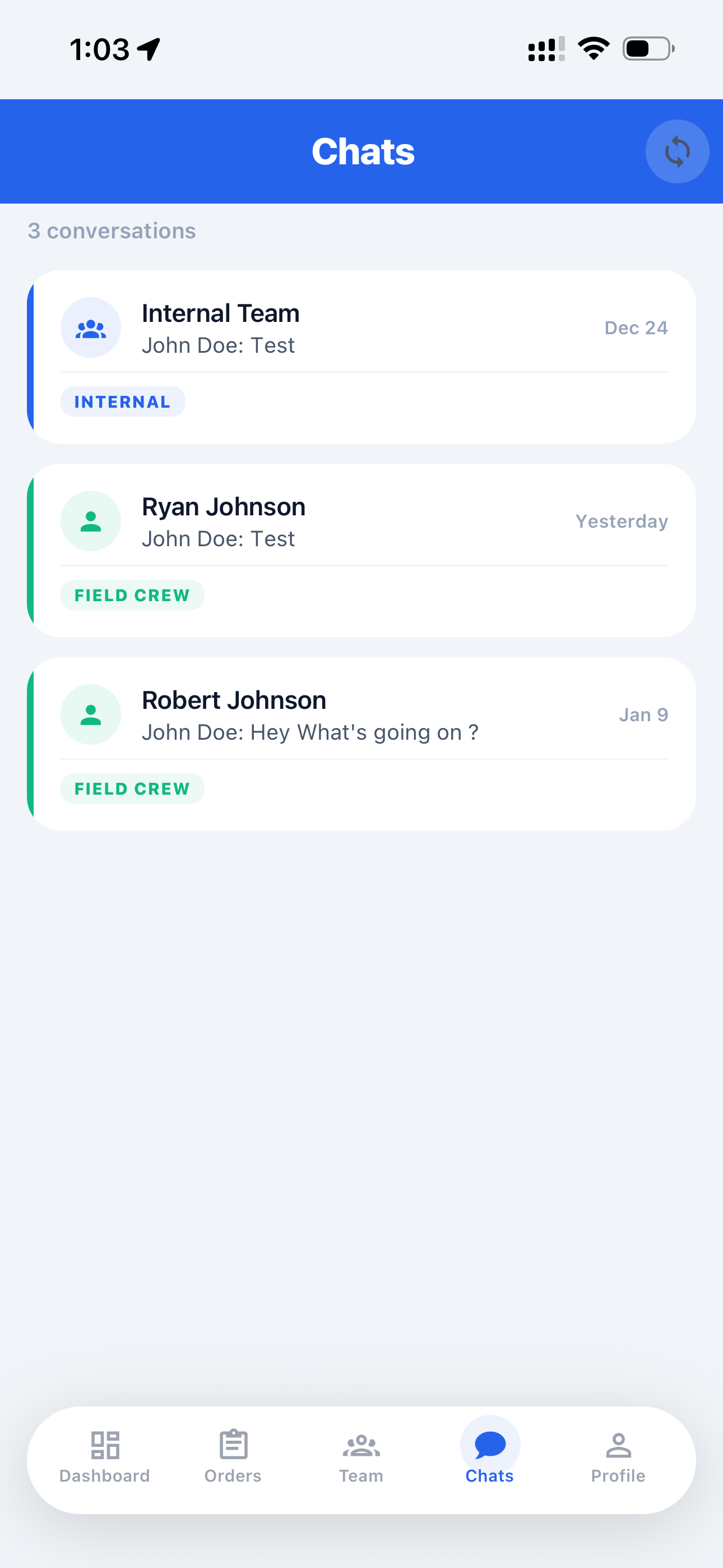
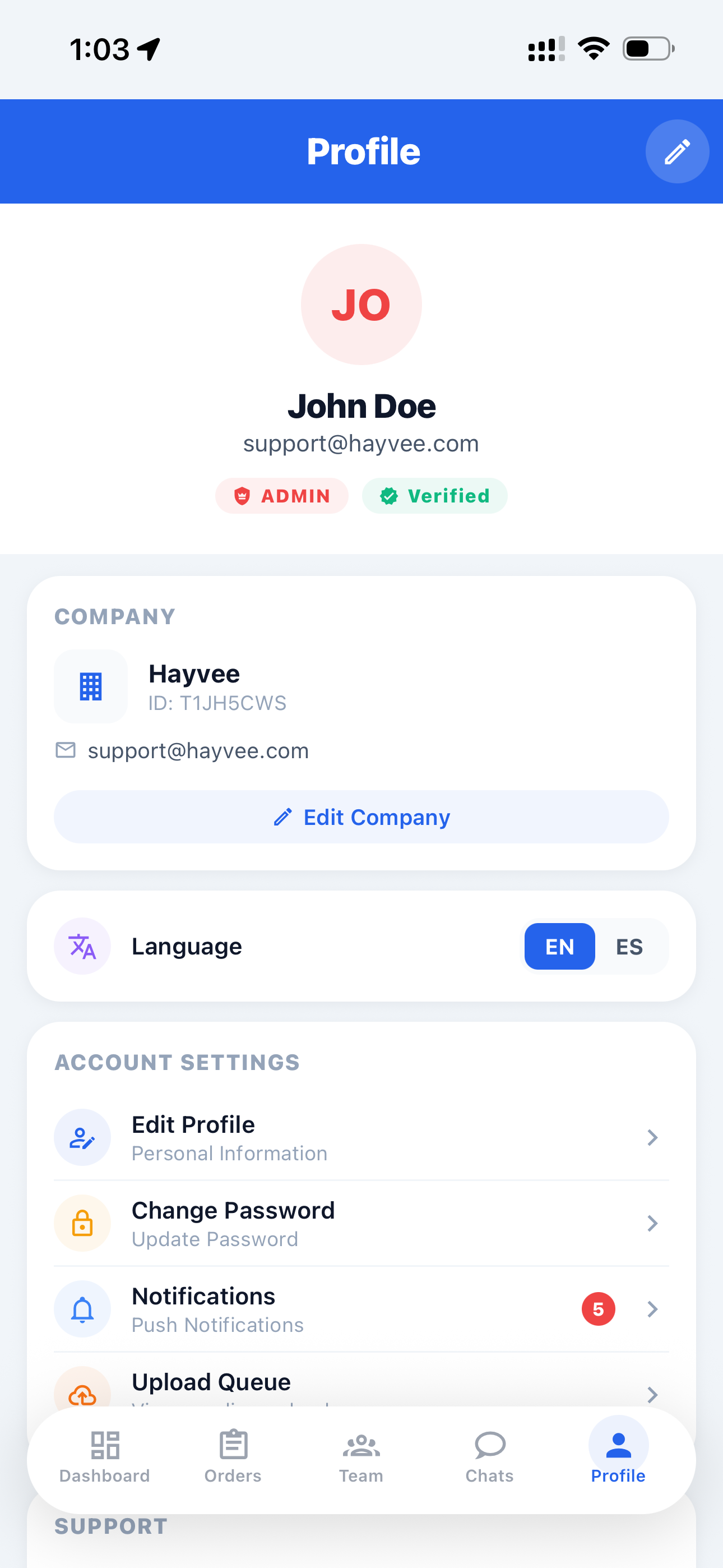
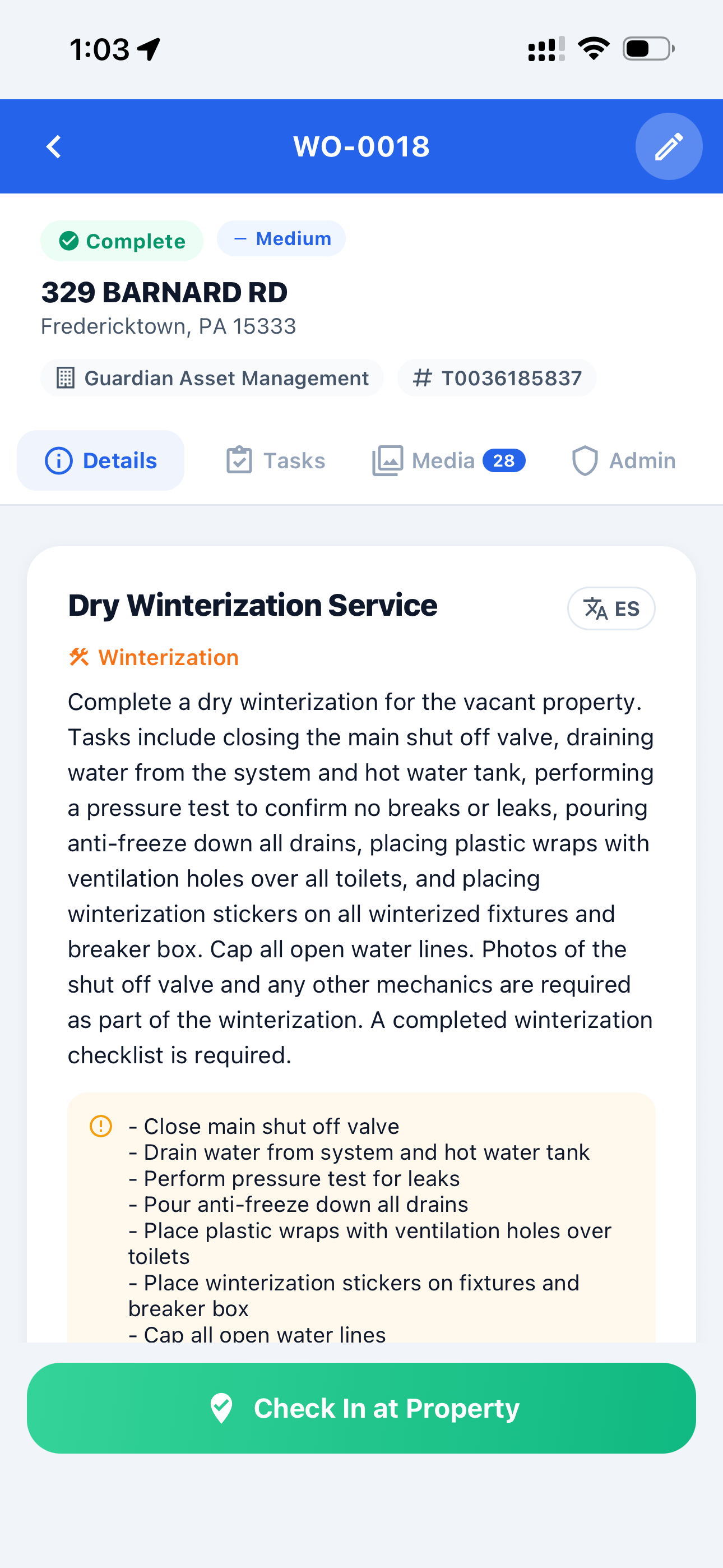
Hayvee turns work orders into tasks, guides crews to capture the right photos, and creates bids and invoices automatically — directly from the field.
"Hayvee turns work orders into tasks, tasks into proof, and proof into bids and invoices."
Crews take photos.
Notes get forgotten.
Bids are guessed later.
Invoices take hours.
Not because crews are careless —
but because the system doesn't capture intent.
From work order to invoice — without cleanup or guesswork.
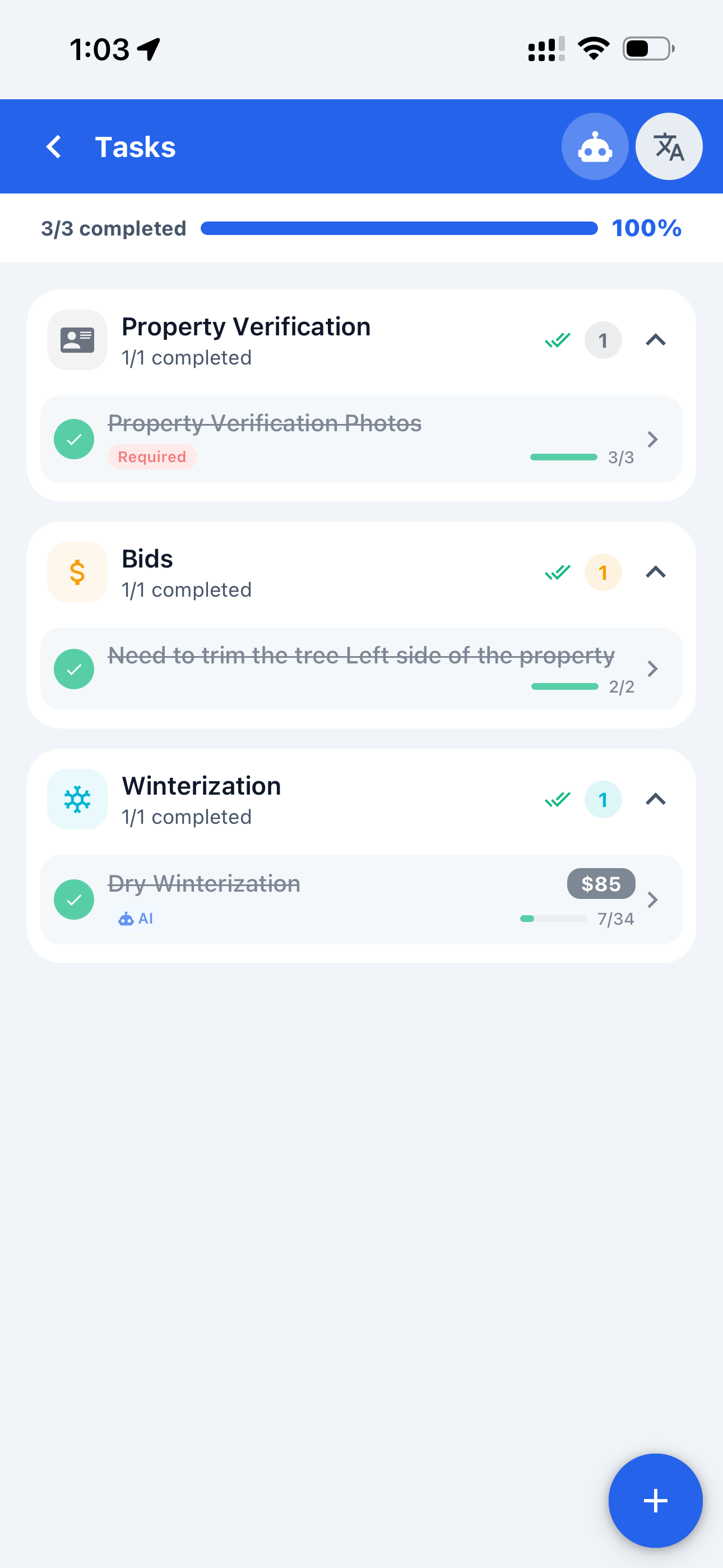
AI reads the work order and creates tasks automatically. Assign the job to your field crew in seconds.
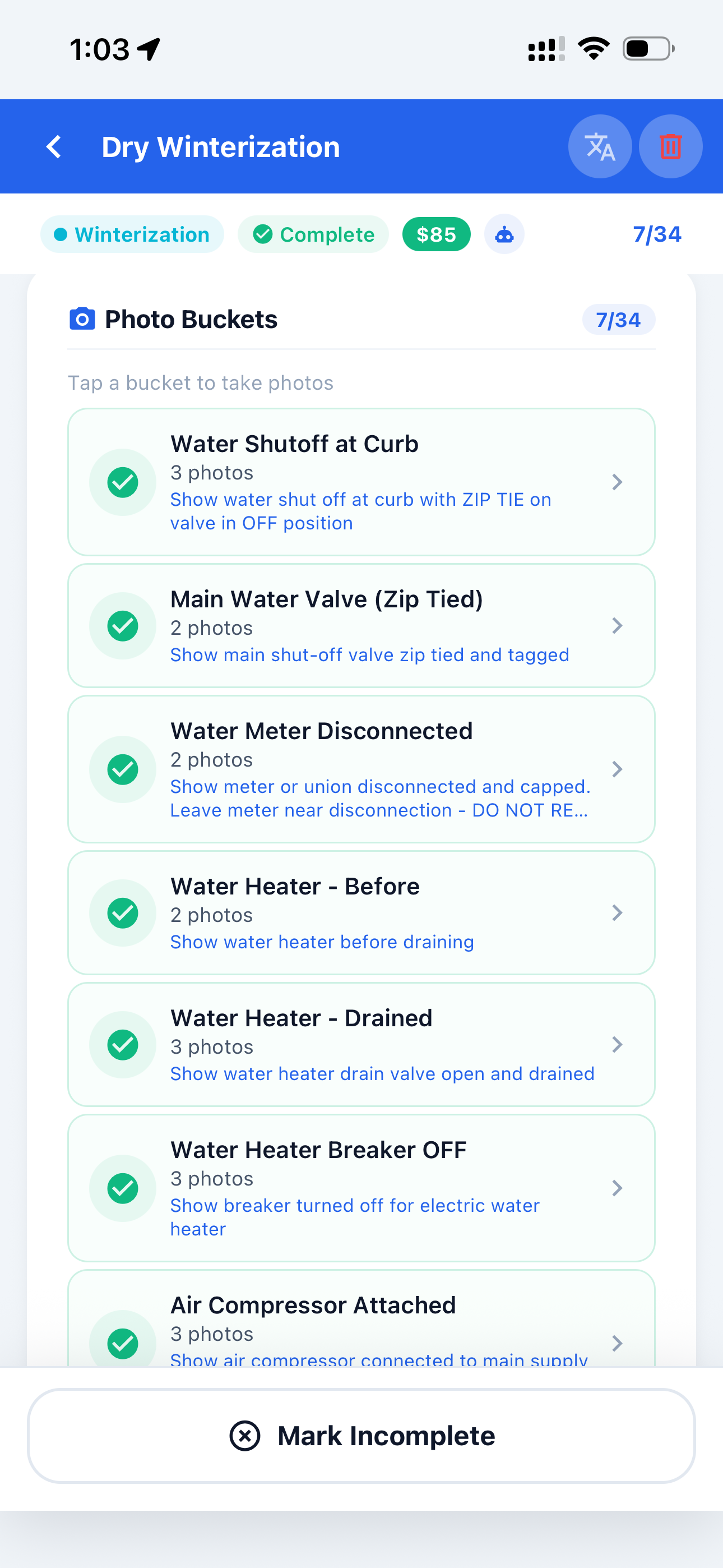
Crews take photos inside tasks so nothing is missed and nothing gets mixed.
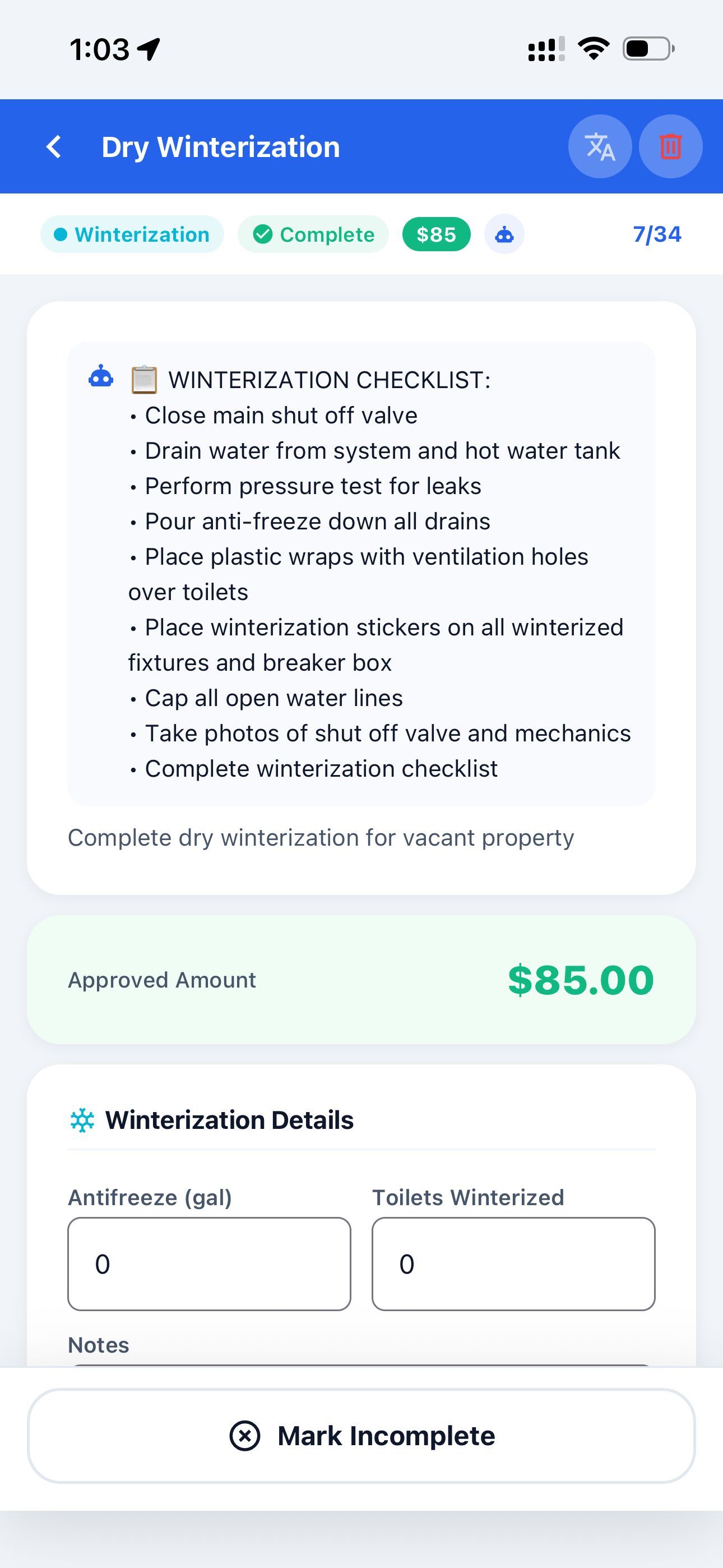
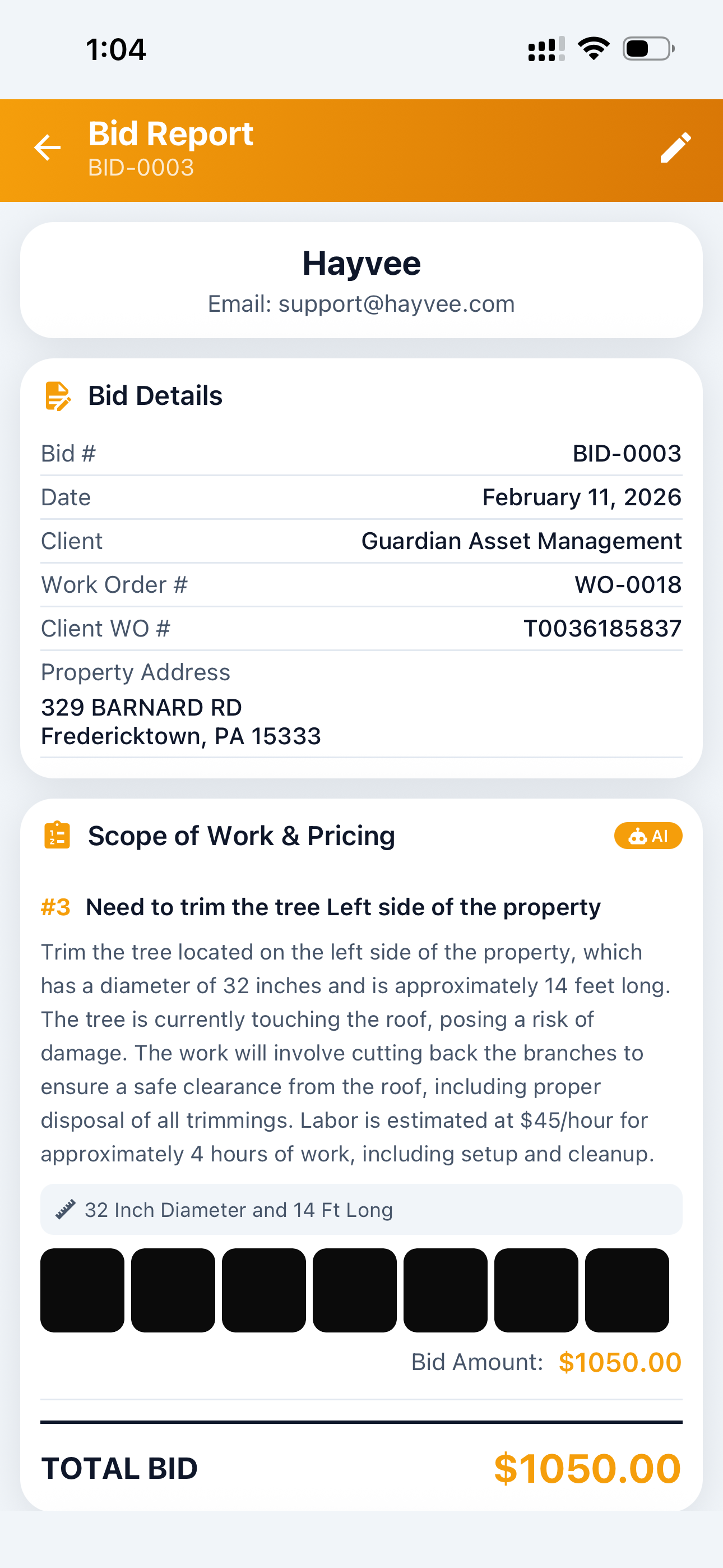
Spot an issue? Add a bid inside the task, take photos, add measurements, and move on.
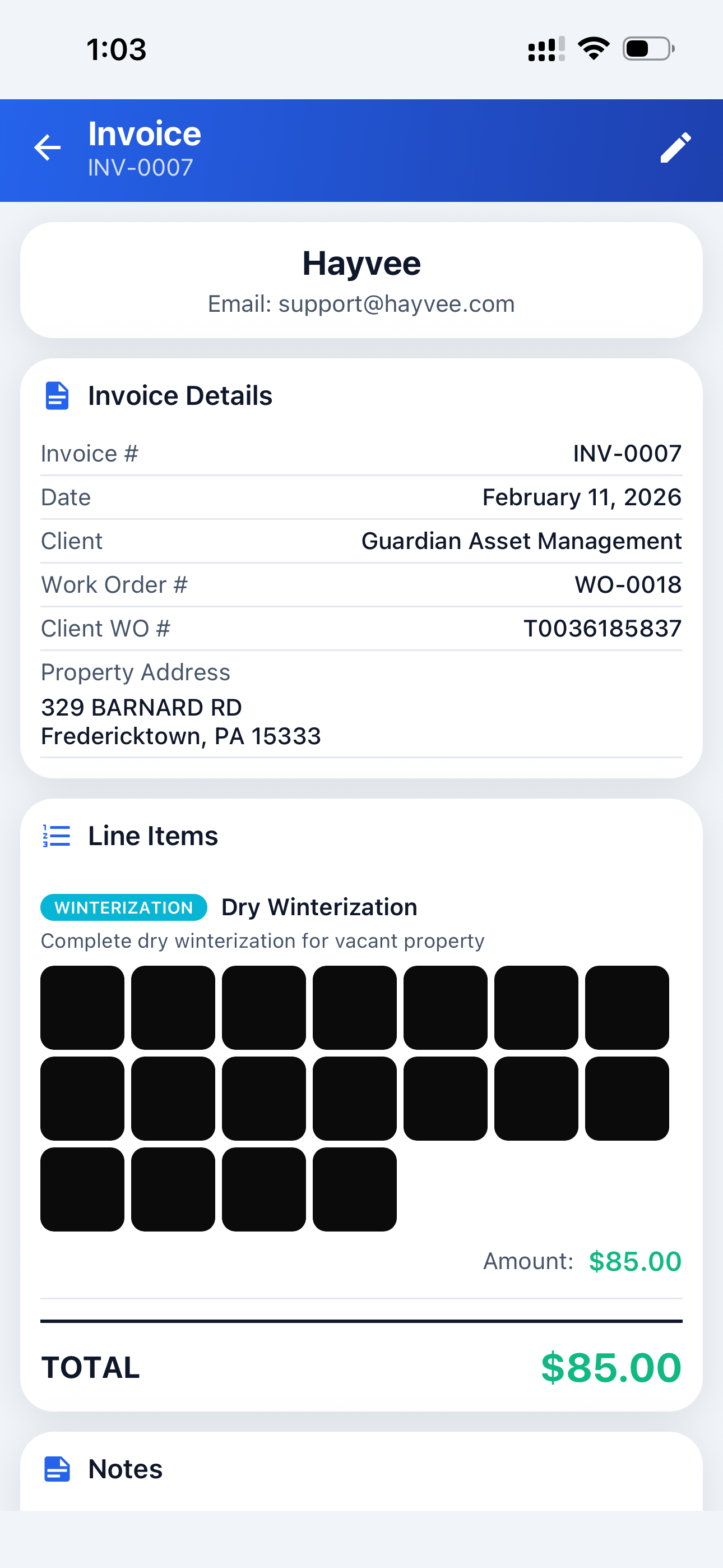
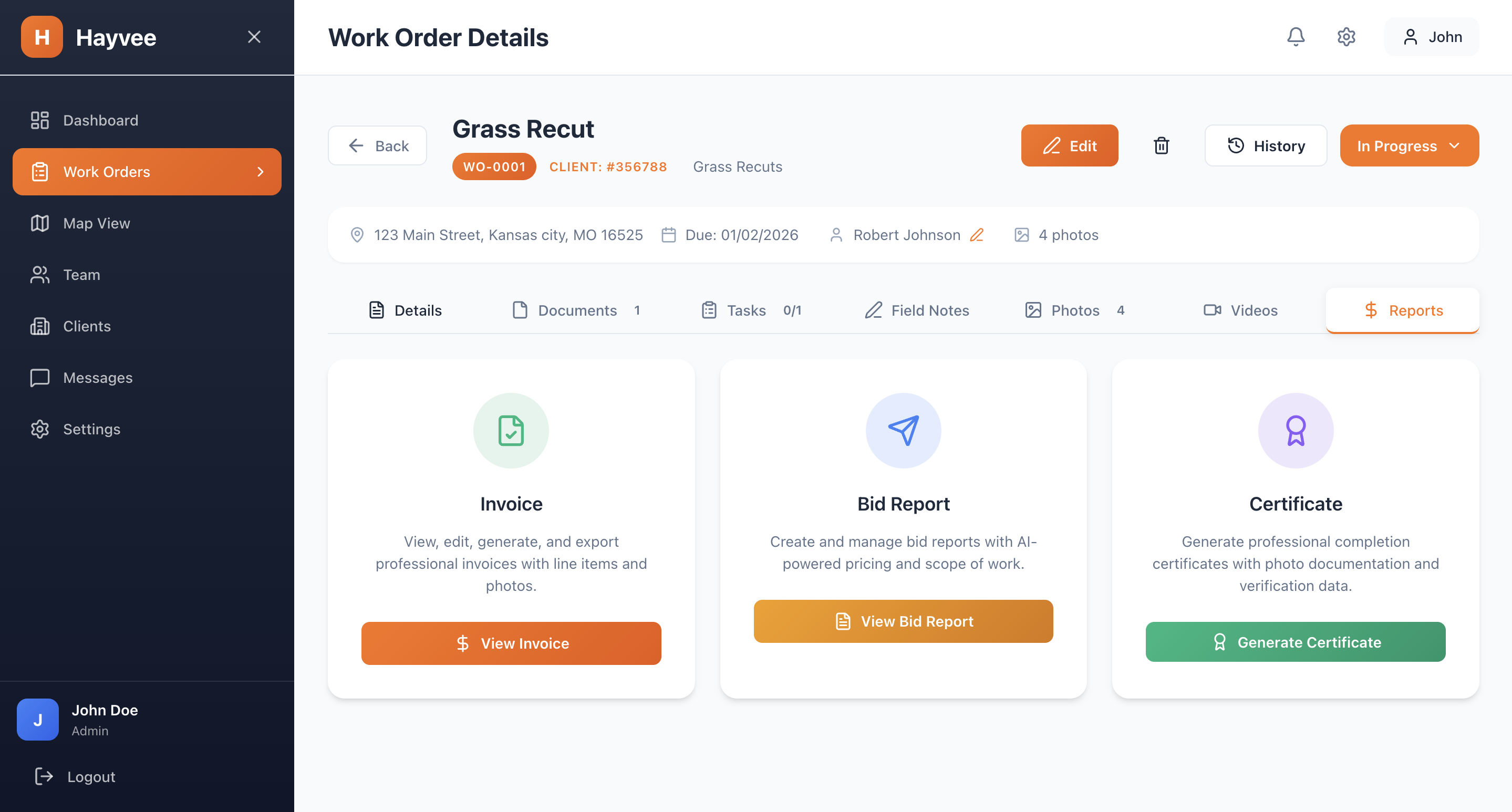
Because photos are already structured, Hayvee generates bids and invoices instantly.
Download clean, structured data ready for processing or submission.
Every screen forces structure in the field so the office doesn't clean up later.
Everything in Hayvee is built around tasks
Tasks drive photos, bids, and invoices.
Bids created at the moment the issue is seen.
Dropdowns, measurements, numbers — not free text.
Auto-created from WO or added manually in bulk.
Capture unexpected conditions cleanly — no mixing.
Tasks → bids + invoices instantly.
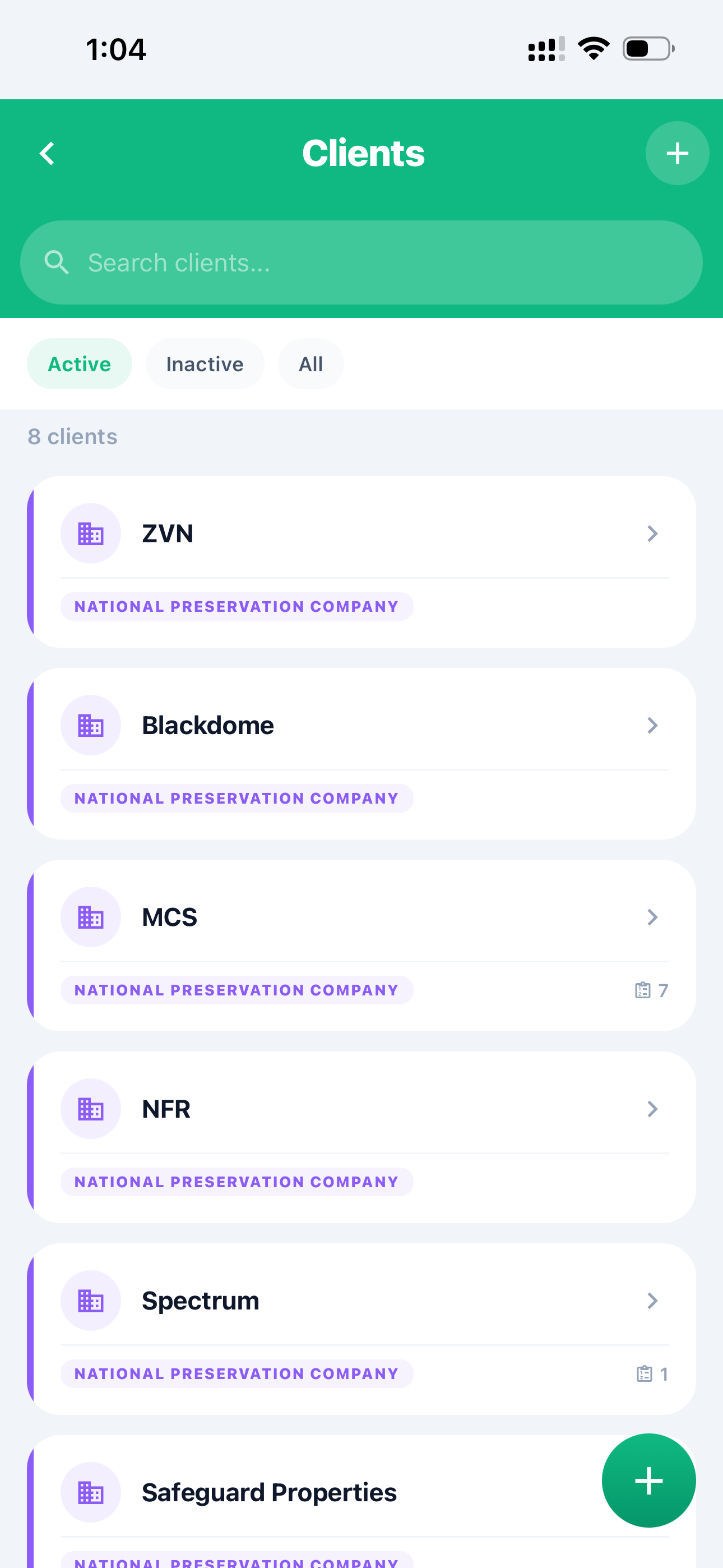
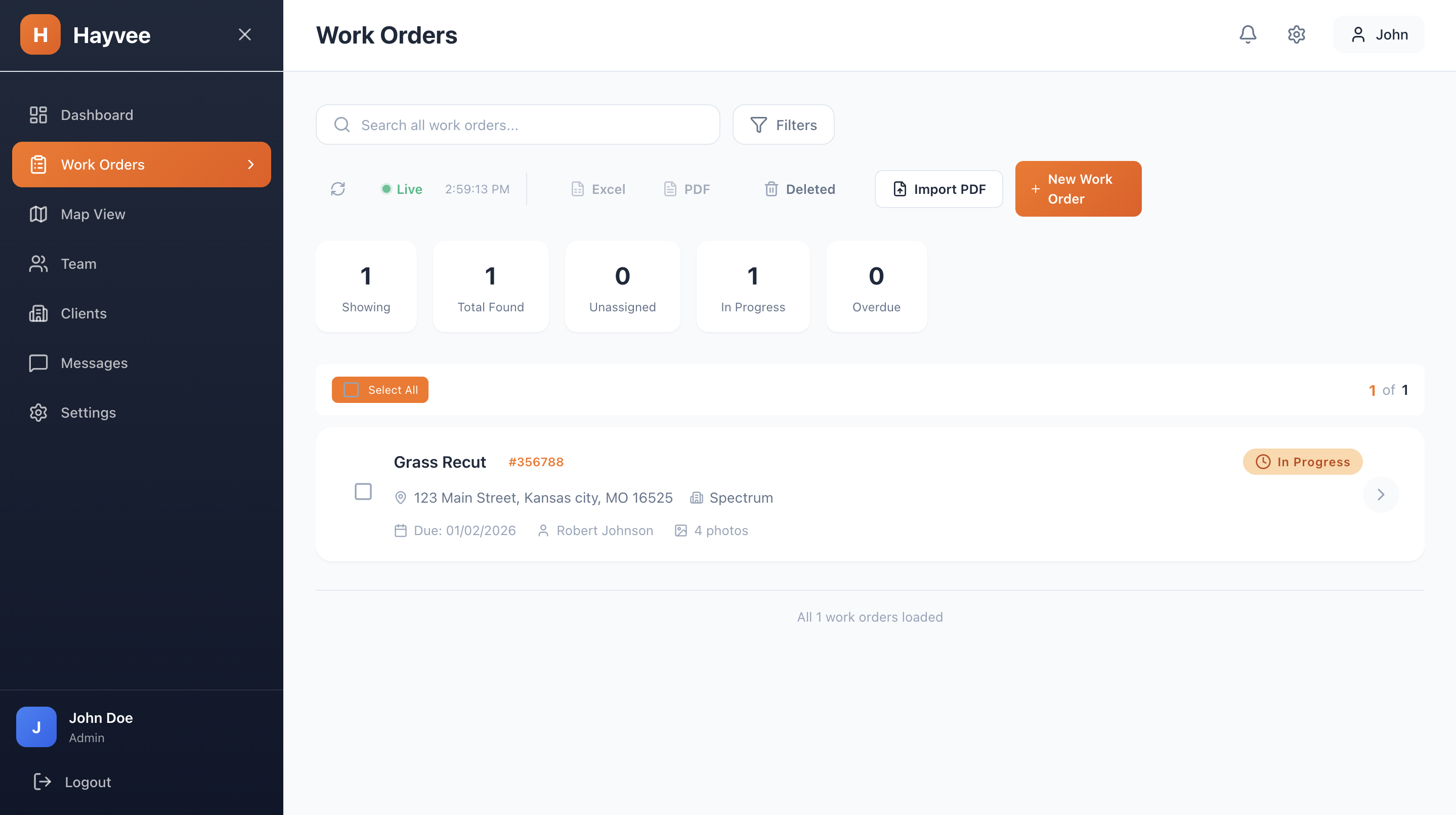
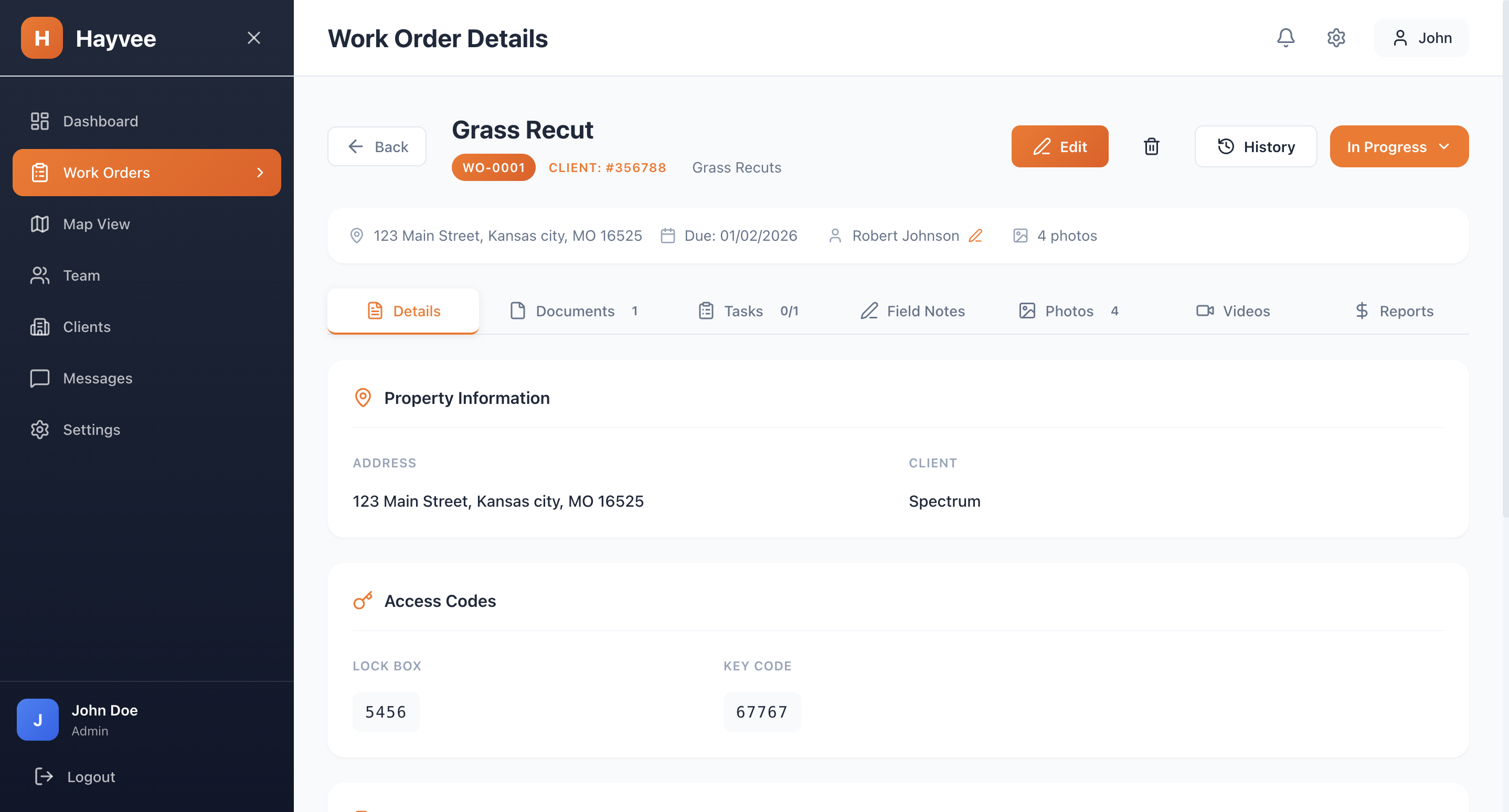
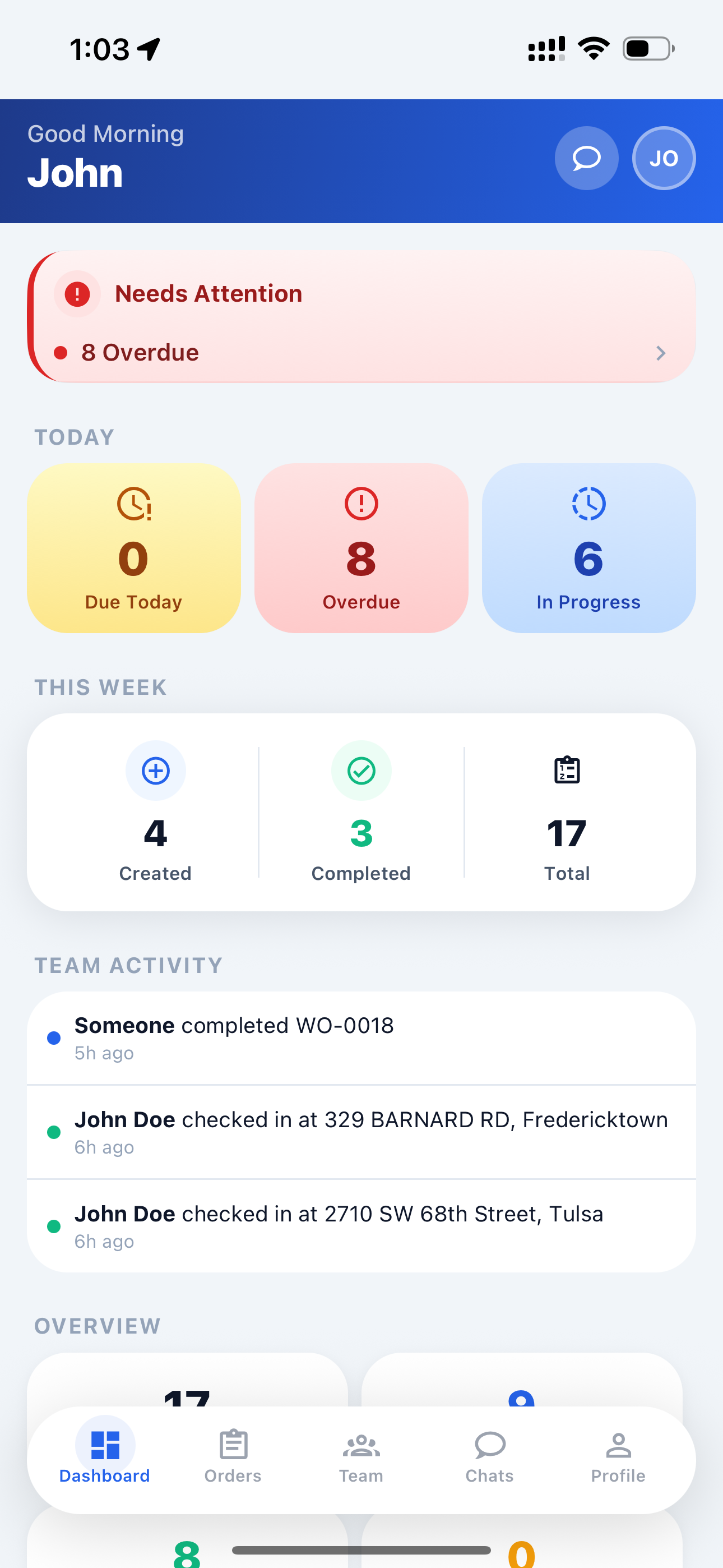
Review photos, tasks, bids, and invoices — all in one place.


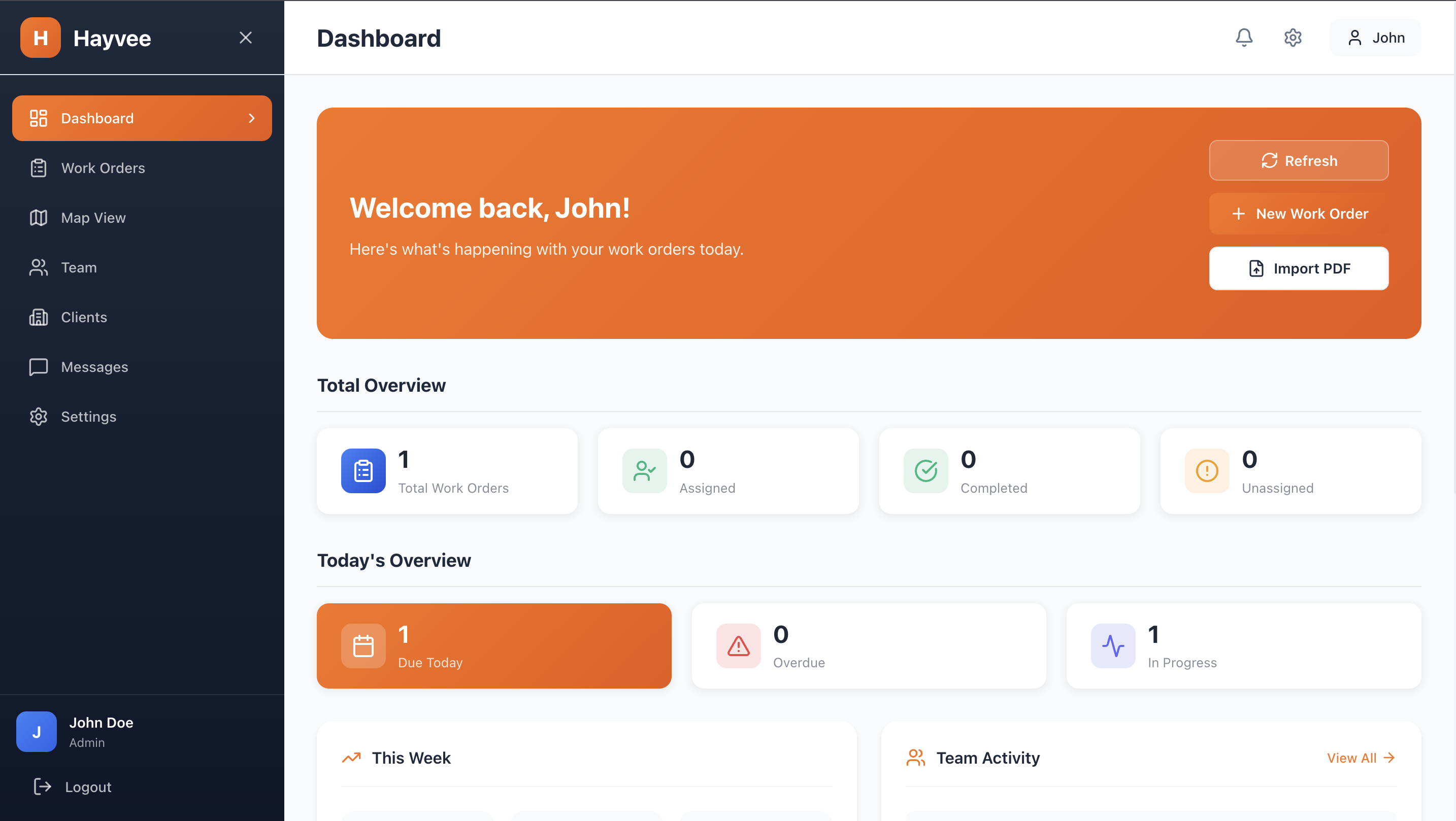
Complete overview of your work orders, team activity, and key metrics
If your crew goes to a job site, takes photos, and invoices from the field — Hayvee works for you.
Hayvee wasn't built by outsiders guessing at workflows.
It was built by operators who've lived inside property preservation for over 25 years combined.
Has run a property preservation company for 15+ years, managing field crews, portals, bids, and audits at scale.
Has worked in property preservation operations and processing for 10+ years, handling thousands of jobs, photos, bids, and invoices firsthand.
Hayvee exists because we were tired of fixing the same problems every day — and no tool actually solved them.
Most teams recover the monthly cost in their first job.
No feature tiers. No add-ons. Every plan includes the full Hayvee platform.
Best for solo contractors
Get StartedBest for high-volume teams
Get Started"Hayvee turns work orders into tasks, tasks into proof, and proof into bids and invoices."
Need help with processing? We handle it — $6/maintenance order, $3/seasonal. Focus on the field, we handle the paperwork.
Get our native mobile app for iOS and Android. Built for the field with offline support, fast photo capture, and battery-efficient GPS tracking.
Everything you need to know about Hayvee. Can't find what you're looking for? Contact us.
Hayvee is an AI-powered property preservation management platform designed for field contractors and preservation companies. It helps you manage work orders, capture GPS-verified photos, generate professional certificates, create invoices with AI, and coordinate your team—all from your phone or web browser.
Getting started is easy! Click "Start Free Trial" to create your account. You'll verify your email, set up your company profile, and you're ready to go. $0 for 14 days — cancel anytime. You can start creating work orders and adding team members immediately.
Yes! We offer a 14-day free trial with full access to all features. $0 for the first 14 days — cancel anytime. This gives you plenty of time to see how Hayvee can transform your property preservation business.
Hayvee works on iOS (iPhone/iPad), Android phones and tablets, and any web browser. Your field crews can use the mobile app for capturing photos and completing work orders, while managers can use the web admin portal for oversight and reporting.
Every Hayvee plan includes: unlimited work orders, AI invoice generation, AI bid reports, AI task generation, PDF import from major nationals, GPS check-in verification, photo documentation with watermarks, offline photo sync, mobile app, web admin portal, team chat, role-based permissions, bulk operations, push notifications, dashboard analytics, and ZIP photo downloads.
Yes! Hayvee's AI-powered PDF import feature can automatically extract work order details from PDFs sent by major national companies like Safeguard and Five Brothers. Just upload the PDF and Hayvee creates the work order with all the details filled in—saving you hours of manual data entry.
When you create a work order, Hayvee's AI analyzes the property type, service requirements, and scope of work to automatically suggest relevant tasks. For example, for a winterization job, it might suggest: shut off water main, drain water heater, add antifreeze to traps, etc. You can accept, modify, or add your own tasks.
Absolutely! Every photo captured in Hayvee is automatically embedded with GPS coordinates and timestamps. This is essential for HUD/FHA compliance and protects you from disputes. Photos can also include professional watermarks with your company logo, address, and completion date.
Yes! When a work order is marked complete, Hayvee automatically generates a professional PDF certificate with your company branding, property photos, GPS verification, task completion details, and color-coded verification scores. These certificates meet the documentation requirements of major nationals and government agencies.
Hayvee offers simple, user-based pricing: Solo ($29/month for 1 user), Starter ($99/month for up to 5 users), and Growth ($199/month for up to 10 users). All plans include ALL features—we never gate features behind expensive tiers. Need more than 10 users? Contact us for custom enterprise pricing.
The only difference between plans is the number of users included. Every plan—from Solo to Enterprise—includes the exact same features. We believe every contractor deserves access to the best tools, regardless of team size.
Yes! On Starter and Growth plans, you can add additional users for $25/month each. If you need more than 10 users, contact us for custom enterprise pricing with volume discounts.
You can cancel your subscription anytime from your account settings. There are no long-term contracts or cancellation fees. If you cancel, you'll retain access until the end of your current billing period.
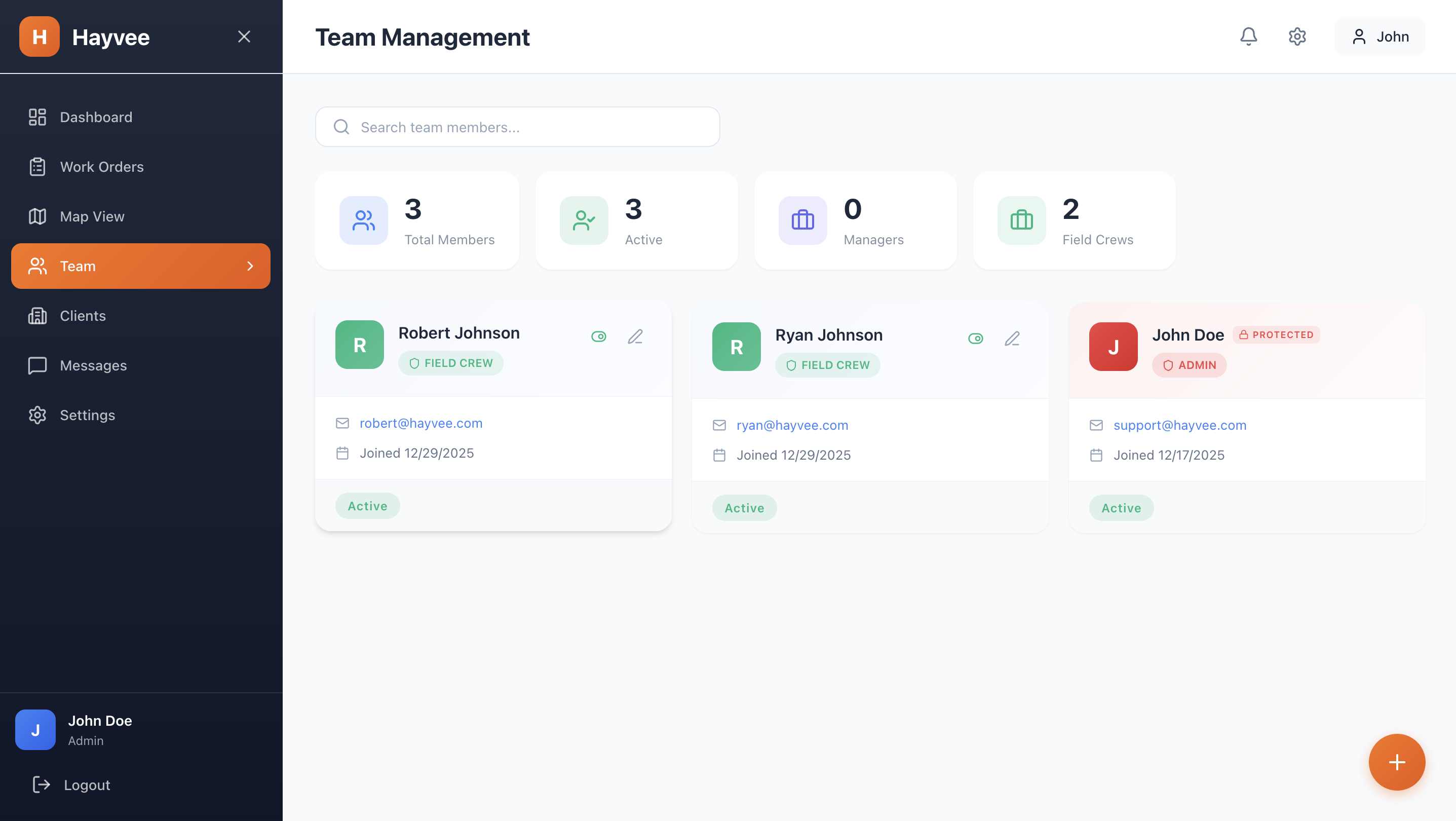
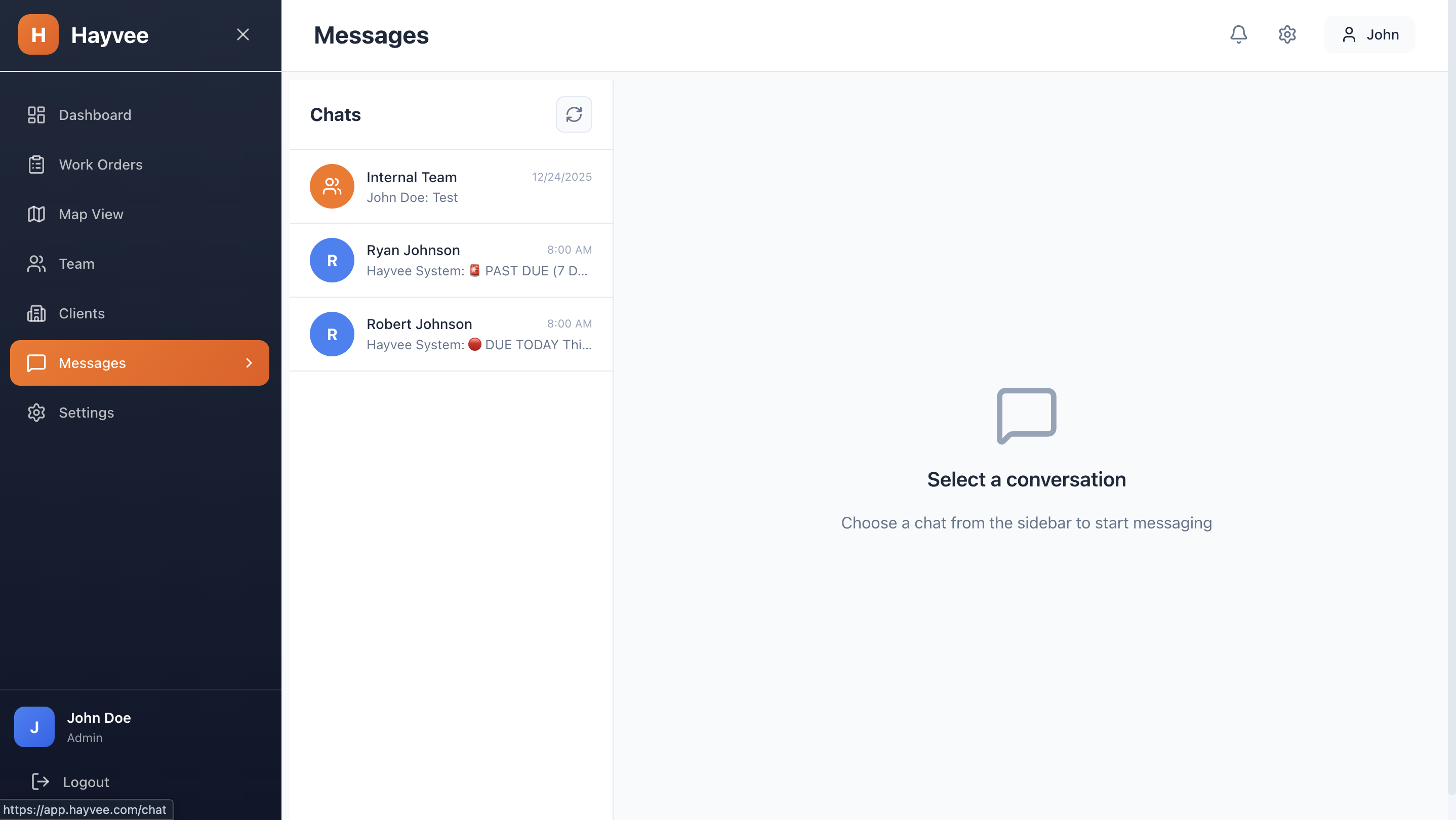
Yes! Hayvee is built for teams. You can add team members, assign work orders to specific crew members, track their check-in/check-out times and locations, communicate via built-in chat, and monitor progress in real-time from the admin portal.
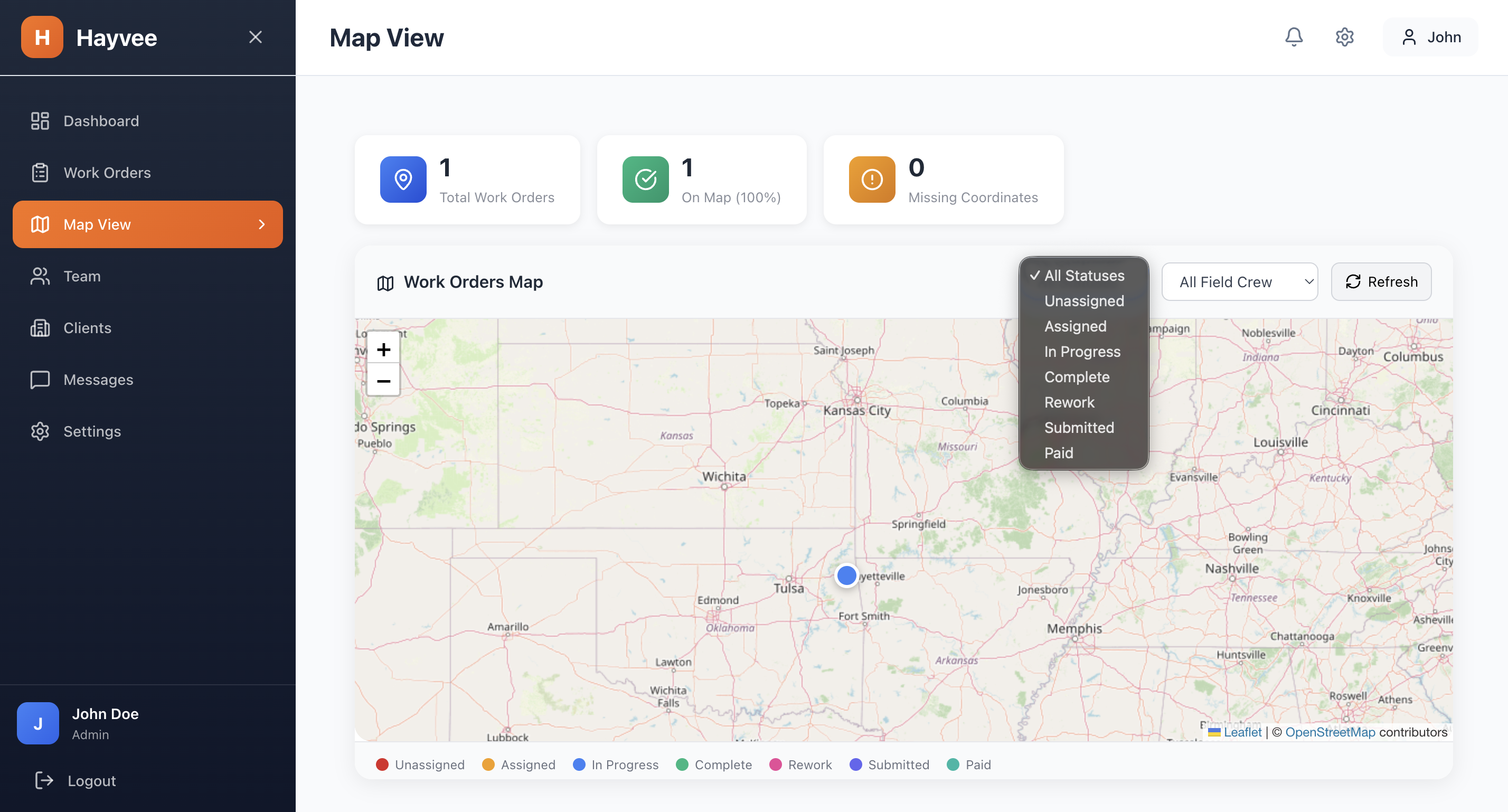
Yes! The web-based admin portal at app.hayvee.com gives managers full visibility and control. You can create and assign work orders, view all photos and documentation, generate reports and invoices, manage team members, track performance, and export data—all from your desktop browser.
Absolutely. Hayvee uses industry-standard encryption for all data transmission and storage. Your photos are stored securely on AWS S3, and your data is backed up regularly. We never share or sell your information to third parties.
Yes! The mobile app allows you to capture photos offline when you're at properties with poor cell coverage. Photos are stored locally and automatically sync to the cloud when you regain connectivity. This ensures you never lose documentation due to connection issues.
You can reach our support team at support@hayvee.com or call us at 307-Hay-0177. We typically respond to emails within 24 hours on business days. Enterprise customers receive priority support with faster response times.
Free guides, tips, and industry insights to help you succeed in property preservation.
Step-by-step guide covering licensing, equipment, finding clients, and scaling your company.
Read ArticleComplete guide to getting approved with the largest property preservation company.
Read ArticleCompare top apps for contractors. Features, pricing, and pros & cons.
Read ArticleStart your 14-day free trial today. $0 for 14 days — cancel anytime. Full access to all features including AI invoice generation.
Get started in less than 2 minutes. $0 for 14 days — cancel anytime.
Already have an account? Login here